Export Invoice Format for Services from India
Bill a client abroad in their currency, with the LUT declaration and your GSTIN on the page. Fill in the form, watch the PDF redraw beside it, and download it. Free, no account, and nothing you type leaves your browser.
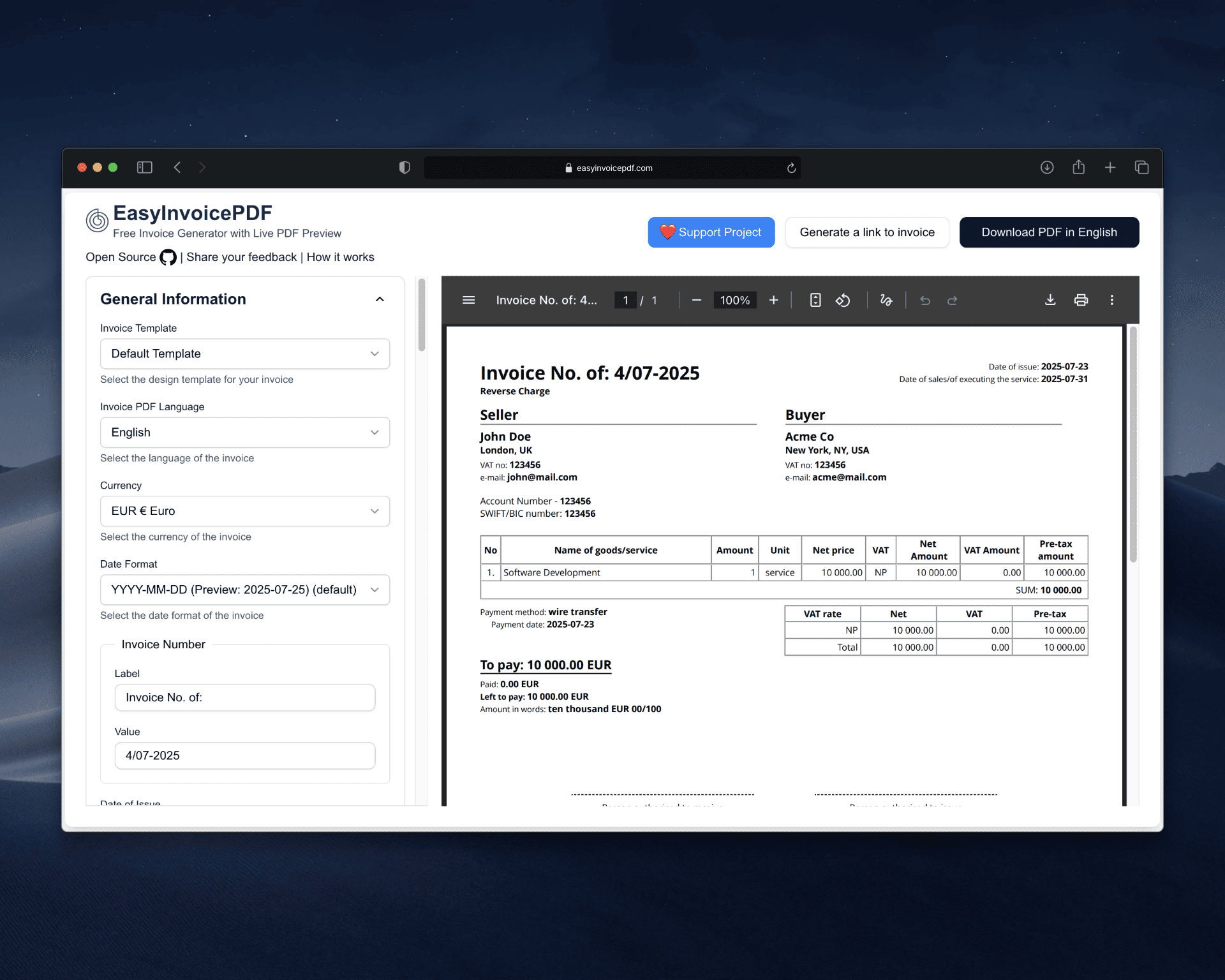
122 currencies, including USD, EUR and GBP, LUT declaration in the header notes, GSTIN and SAC code on the invoice, SWIFT/BIC and account number for the wire, Free and open source
An export of services invoice at a glance
- Currency
- The client's, e.g. USD printed as $1,234.56
- Tax under LUT
- IGST at 0%, with the LUT declaration printed
- Your tax number
- GSTIN, in the seller block
- SAC code
- In each line item's description
- Bank details
- Account number or IBAN, and SWIFT/BIC
- Date format
- DD/MM/YYYY or any of 17 others
- Account required
- No
What an export invoice for services needs
A GST-registered exporter of services generally shows these on the invoice. Confirm the details for your business with your CA.
- Your name, address and GSTIN
- A consecutive invoice number of up to 16 characters, and the date
- The client's name and full address, including the country
- A description of the service with its SAC code
- The value, in the client's currency
- IGST charged, or the LUT declaration if you export without paying it
The LUT declaration
Exporting under a Letter of Undertaking means no IGST is charged, and the invoice has to say why.
Put the declaration in the header notes field, for example: Supply meant for export under Letter of Undertaking without payment of integrated tax. Add your LUT reference number on the next line. The header notes print near the top of the invoice on both templates.
Rename the tax label to IGST and set the rate to 0, or hide the tax columns and let the declaration speak for itself.
Ready to try it?
The form opens with an empty invoice. Fill it in and download the PDF. No account needed.
GSTIN and SAC codes
The generator has no India-specific fields, but its labels are yours to rename.
Rename the seller's tax number label to GSTIN and enter your number. There is no separate SAC column, so write the code at the start or end of each line description, for example: Software development services (SAC 998314).
Getting paid from abroad
A wire from a foreign client needs exact bank details.
Fill in your account number and SWIFT/BIC in the seller block. If you take payment through a link, such as PayPal or Wise, put it in the QR code field. The QR code prints on the invoice, and the client's phone opens the link.
What it does not do
Better to know before you start:
- Rupee amounts use 1,234,567 grouping, not lakh and crore
- The amount in words counts in thousands and millions
- There are no separate CGST and SGST columns for domestic invoices
- No e-invoice IRN or GST portal filing
FAQ
Should an export invoice be in rupees or dollars?
Most freelancers bill in the client's currency, such as USD, and record the rupee value in their books at the exchange rate. Set the invoice currency to whatever the contract says.
Do I charge GST to a foreign client?
Export of services is zero-rated. You either export under an LUT and charge no IGST, or pay IGST and claim a refund. Most freelancers file an LUT. Check your case with your CA.
Where does the LUT declaration go?
In the header notes field, which prints near the top of the invoice. Add your LUT reference number there too.
Can I use this for domestic GST invoices?
Only for a single tax line, such as IGST on an interstate sale. There are no separate CGST and SGST columns, so an intrastate invoice is better made in GST billing software.
Is this a commercial invoice for shipping goods?
It can list goods, but it has no fields for HS codes, ports, Incoterms or package weights, which customs paperwork needs. It is built for invoicing services.
Is this accounting software?
No. It produces invoice PDFs and does not file, track or reconcile anything, and it makes no compliance guarantees. Check the result against GST rules with your CA.